
Path of the Idle Cultivator Settings and Game Options
Export, import, speed keys, notifications, sound, display, and platform switching between Steam, itch.io, and Android.
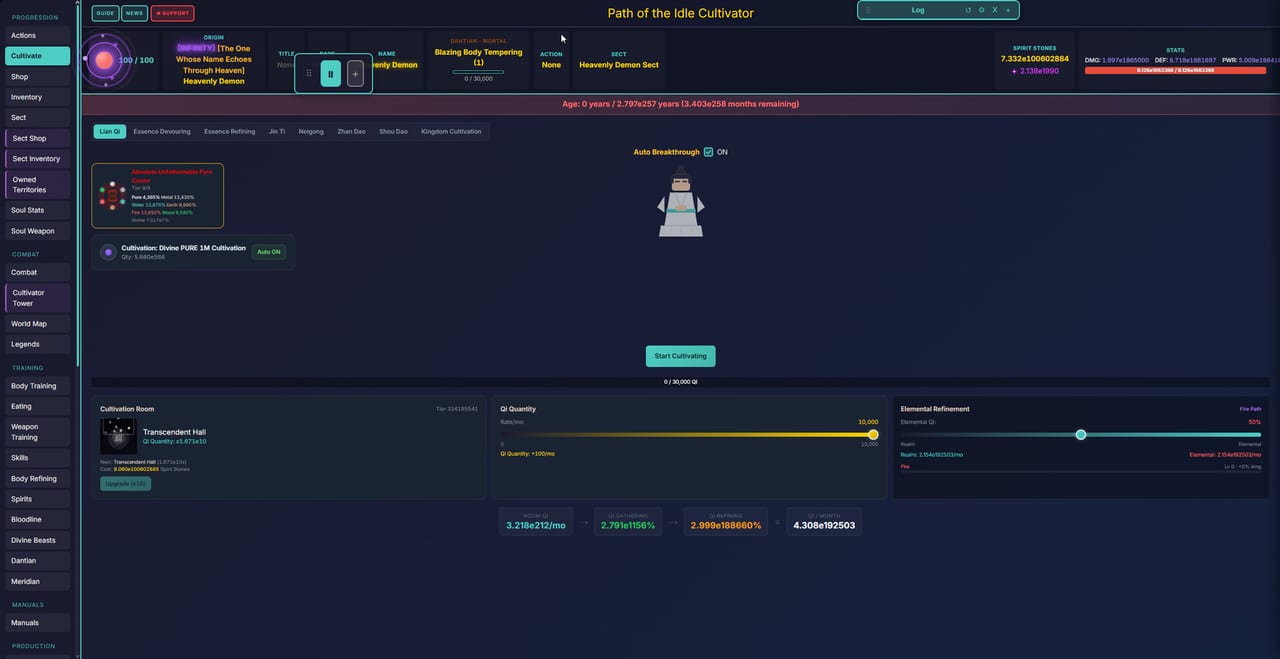
Settings in Path of the Idle Cultivator live behind the gear icon on the speed bar. This page covers every option that changes how you play, not cosmetic toggles. Steam Early Access opened on 5 Sep 2026 (app 5007580, free to play). The game runs on Steam, itch.io (HTML5, Windows zip, Android APK), and a browser client.
Save export and import
The gear icon on the speed bar opens Settings. Export Save and Import Save are the most important buttons in this menu.
Export before you switch platforms. Export before a major rebirth. Export before you install a new build. Closing a browser tab is not a backup.
The save file format is JSON. Cloud saves sync through Steam Cloud on the Windows client; itch.io and Android use local storage. If you bounce between phone APK and desktop, make export a habit, not a panic click after a wipe.
Speed keys
The HUD shows 1–9 on the speed bar. These map to 2x through 10x:
- 1 = 2x
- 2 = 3x
- 3 = 4x
- 4 = 5x
- 5 = 6x
- 6 = 7x
- 7 = 8x
- 8 = 9x
- 9 = 10x
Pause is P on keyboard clients. Touch clients use the on-screen bar. Full table: Hotkeys.
Leave speed low until you understand a new panel. A tribulation at 10x is a fast way to donate a life.
Notification toggles
Settings has notification options that control which events produce on-screen alerts. Reduce noise here rather than missing important events because the alert stack is too busy.
Sound and display
Volume sliders for music, effects, and ambient sound. Display options may include resolution scaling and fullscreen or windowed mode on PC clients. Mobile clients have touch-specific scaling options.
Platform switching
You can play on Steam, itch.io, or the browser client. Export from Settings before you switch. The builds can be out of sync — check patch notes if a button you remember is missing after moving platforms.
itch.io carries HTML5 in the browser, a Windows zip, and an Android APK. The browser client is at cultivator-path.com. All three can import saves from the same export file.
Account and Patreon
Settings may include account options for players with optional Patreon support. Patreon Fate bonuses do not gate core content. Account linking is separate from the save file and does not affect progression.
Practical settings checklist
- Export a save from Settings gear before any platform switch or major rebirth.
- Set speed to 1 or 2 while learning a new panel.
- Tune notifications to reduce noise without missing tribulation alerts.
- Adjust sound for background idle play.
- Check display settings if running on a non-standard resolution.
Settings are where experienced players avoid most “I lost my save” posts on Discord. The habit of export-first is the entire lesson.
Frequently Asked Questions
Quick answers to the most common questions.
How do I export and import saves?
Open Settings from the gear on the speed bar. Export saves to a JSON file. Import from the same menu. Never rely on closing a tab.
What do the speed keys 1-9 mean?
1 = 2x through 9 = 10x. Pause is P on keyboard clients. Full table on the Hotkeys page.
Can I switch between Steam and itch.io?
Yes. Export from Settings before switching. Builds may be out of sync; check patch notes if something is missing.
Do notification toggles affect gameplay?
They control on-screen alerts. Tune them to reduce noise without missing tribulation events.
Does Patreon link to Settings?
Optional Patreon support may appear in Settings. It does not gate core content; account linking is separate from save progression.